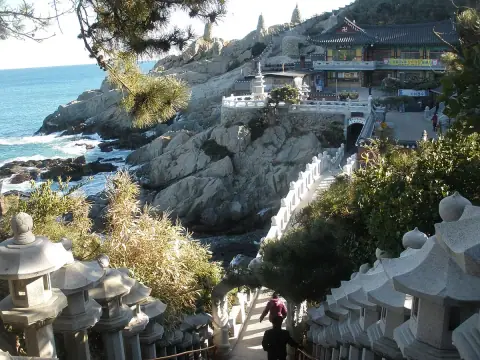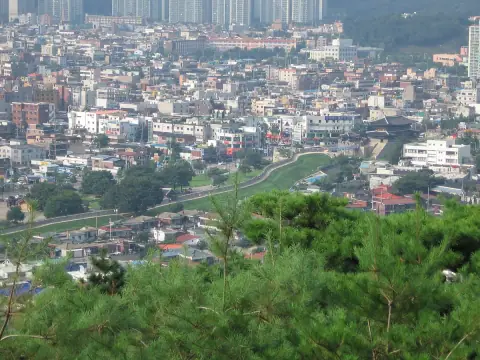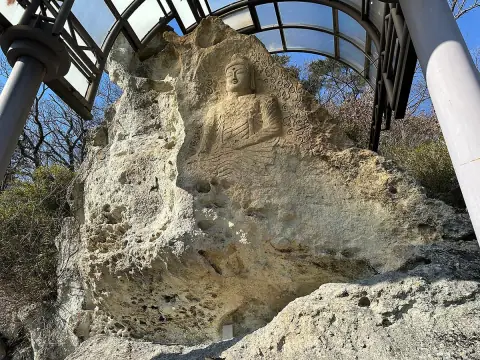

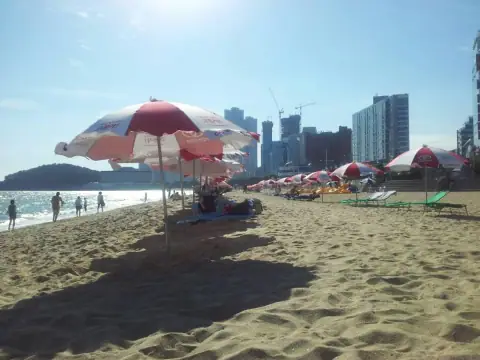
Things to doPhoto: kallerna · CC BY-SA 4.025 Thrilling Things To Do in Seoul, South Korea
Migrationology's round-up of things to do in Seoul, mixing the headline sights with smaller places worth the detour.
↗ Migrationology2012-05Our Seoul route →

Palaces and old streets, market food and modern Seoul, spread out from the official first-visit course.
Already have a plan for Seoul?Paste your notes or an AI plan and get it designed →
Review the original daily plan before editing below. Times and durations are suggested planning blocks; dining stops are not reservations. Your personal edits appear in the editor and downloads.
Our planning suggestions for this template. These are editorial choices, not live transport times or confirmed reservations.
The palace area, markets and design stops, and Namsan/Gangnam are spread across separate blocks. The final day crosses districts, so leave a meaningful transfer and lunch break.
If the palace visit takes longer, shorten Insa-dong rather than skipping the meal break. For a slower final day, choose Namsan or Gangnam as the priority.
Use the indoor COEX portion for a wetter period when practical. Check palace access before moving the first day and observation conditions before committing to tower tickets.
Budget separately for palace admission, any observation deck, transport and meals. A sightseeing pass is only useful if its actual inclusions match your chosen stops.
Yes. It is free to edit any itinerary, start a blank one and download it as PDF, Google Docs, Google Sheets, Excel, CSV or a calendar file, with 36 free designs for PDFs and Google Docs. Pro ($4.99 once for a 90-day Trip Pass, or $19 once for early-bird lifetime Pro) unlocks every design for printable PDFs and Google Docs (200+) with unlimited downloads, an Excel planner with live formulas and charts, and a higher AI chat allowance.
No sign-up is needed to browse, edit or use the AI chat. Downloading (PDF, Google Docs, Excel, Google Sheets, calendar, CSV or print) needs a free account (email link or Google, no credit card), which also keeps trips in My trips across devices; without one, trips are kept in your browser.
No. Templates are drawn from official tourism boards and community travel guides and edited for pacing. Opening hours, prices and transport times are not live data: check them before you travel.
No. Google Docs works through an editable .docx file in the same designs as the PDFs (36 free, the rest with Pro): upload it to Google Drive and open it with Google Docs. It also opens in Microsoft Word and Apple Pages. There is no live sync with Google. Google Sheets works by copy and paste: the itinerary is copied as a table that you paste into a new sheet. There is no live sync with Google.
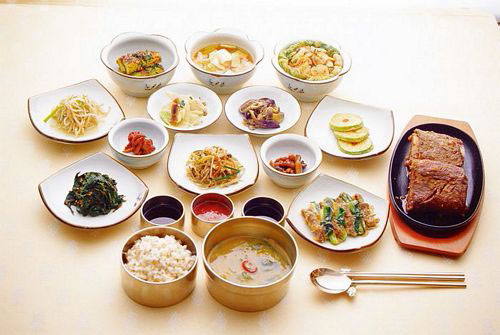
Stop photos come from Wikimedia Commons and Wikipedia under the free licences shown. “Dish photo” images illustrate the cuisine, not the restaurant itself.