26 Things to do in Suzhou China - All You Need to Know Before you Go
Practical advice for visiting Suzhou, especially useful on a first trip, from The Planet D.
↗ The Planet D2019-08Our Suzhou route →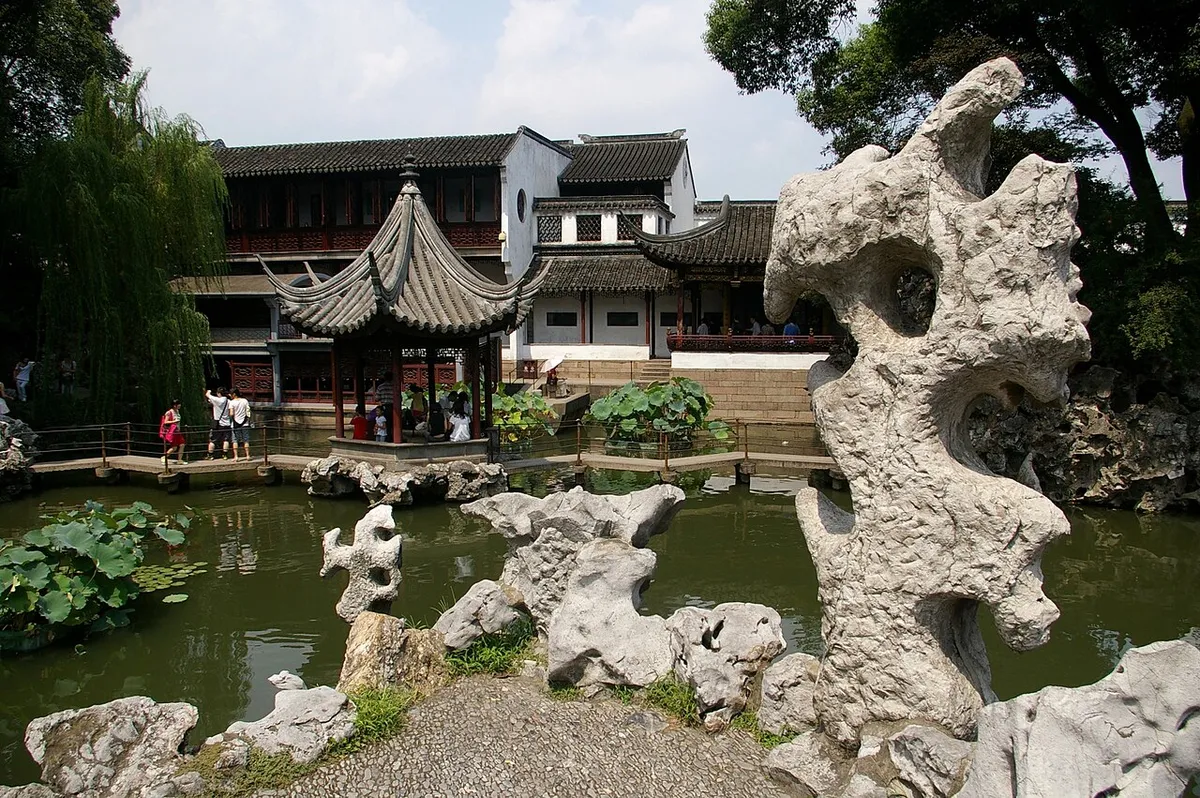
5 days exploring Suzhou by area. Includes The Humble Administrator's Garden and Suzhou Museum West & Tiger Hill Pagoda. Adjust the suggested visits and transfer breaks to your pace.
Review the original daily plan before editing below. Times and durations are suggested planning blocks; dining stops are not reservations. Your personal edits appear in the editor and downloads.
Similar routes and the tools to finish your plan.
Yes. It is free to edit any itinerary, start a blank one and download it as PDF, Google Docs, Google Sheets, Excel, CSV or a calendar file, with 20 free designs for PDFs and Google Docs. Pro ($5.99/month or $49.99/year (save 30%), or $9.99 once for a 30-day Trip Pass) unlocks every design for printable PDFs and Google Docs (100+) with unlimited downloads, an Excel planner with live formulas and charts, and a higher AI chat allowance.
No sign-up is needed to browse, edit or use the AI chat. Downloading (PDF, Google Docs, Excel, Google Sheets, calendar, CSV or print) needs a free account (email link or Google, no credit card), which also keeps trips in My trips across devices; without one, trips are kept in your browser.
No. Templates are drawn from official tourism boards and community travel guides and edited for pacing. Opening hours, prices and transport times are not live data: check them before you travel.
No. Google Docs works through an editable .docx file in the same designs as the PDFs (20 free, the rest with Pro): upload it to Google Drive and open it with Google Docs. It also opens in Microsoft Word and Apple Pages. There is no live sync with Google. Google Sheets works by copy and paste: the itinerary is copied as a table that you paste into a new sheet. There is no live sync with Google.