Travel Itinerary Template planned with AI
Start from a day-by-day itinerary or a blank plan, tell the AI how you like to travel, and it rewrites the days for you. Then print it as a PDF that looks designed, open it in Google Docs, or download Excel, Google Sheets or a calendar file.
- AI rewrites any day on request
- 100+ printable PDF designs
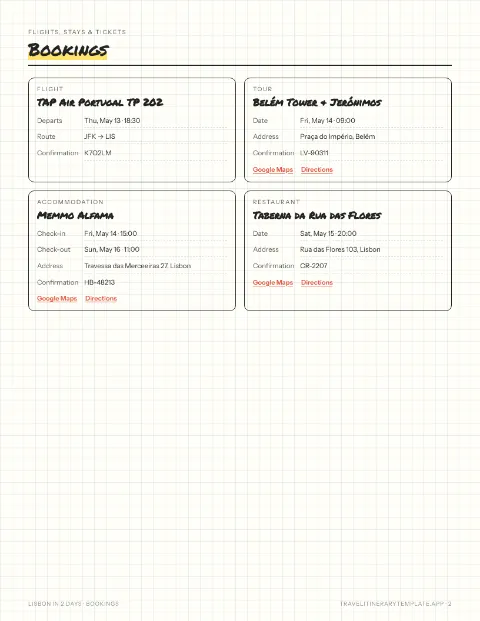
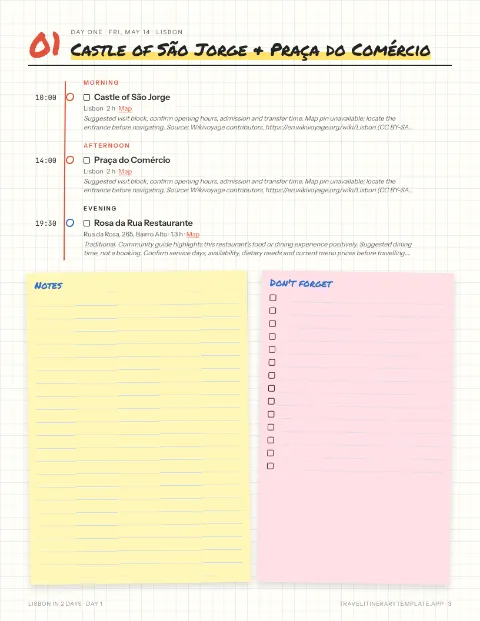
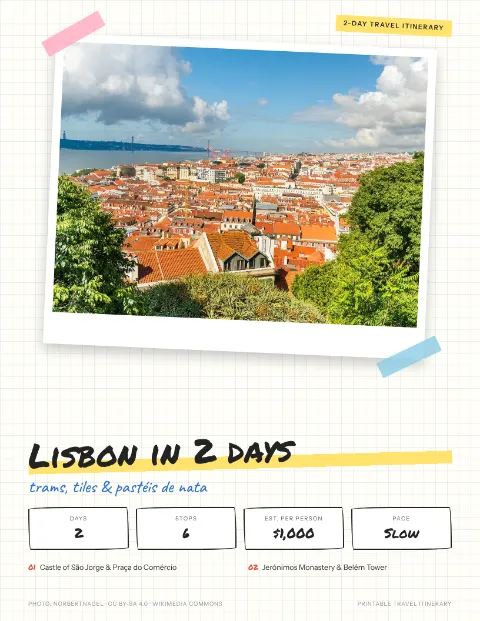 Scrapbook
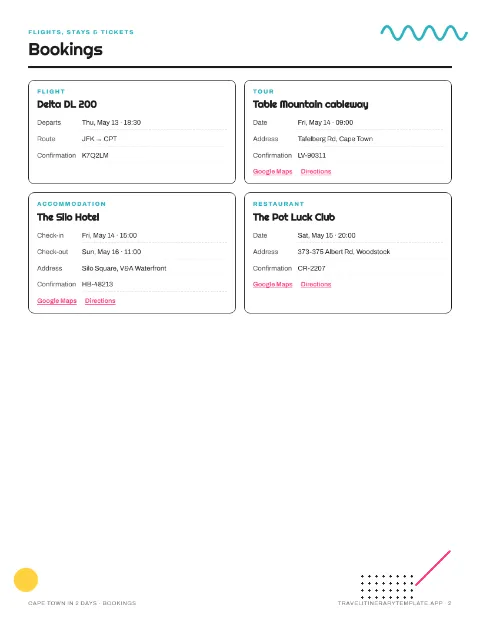
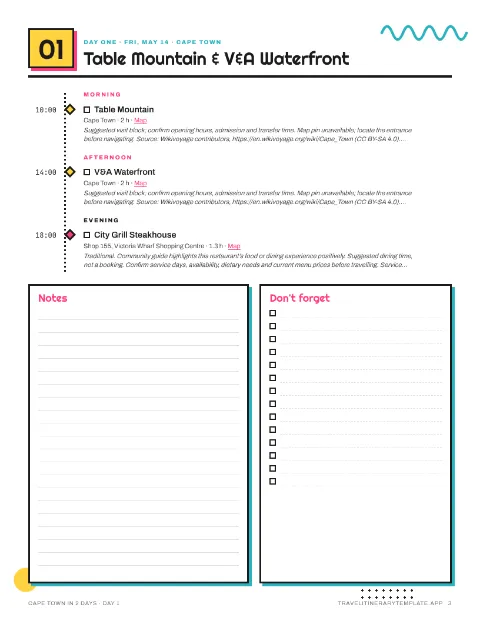
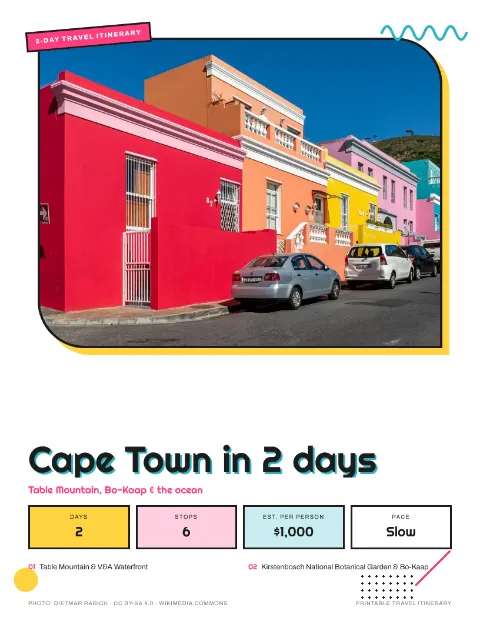 Memphis
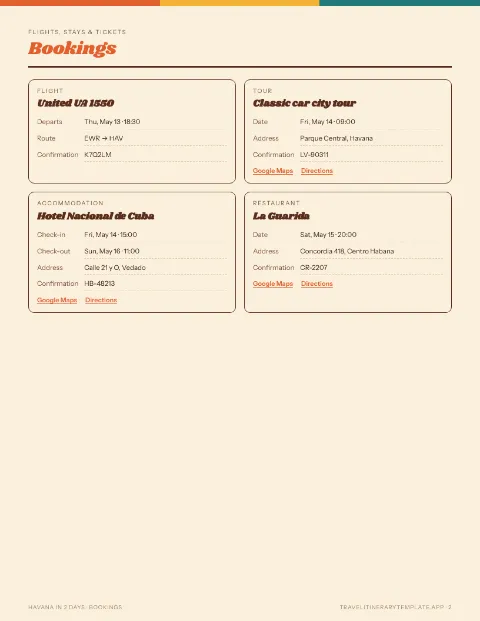
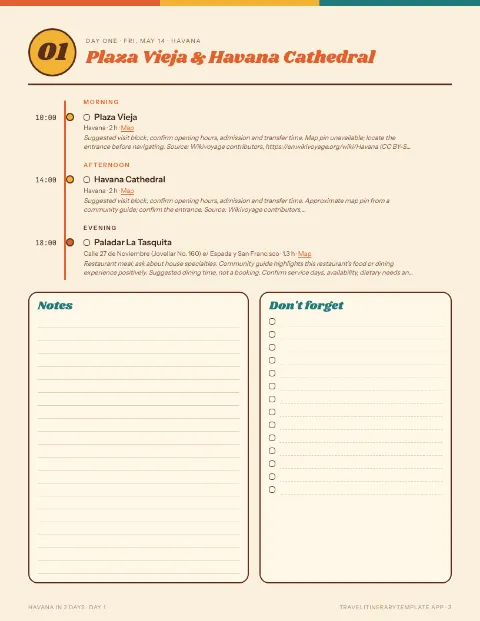
 Retro postcard
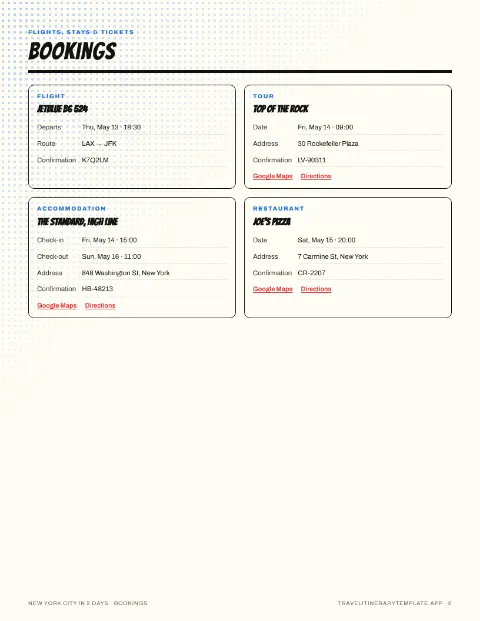
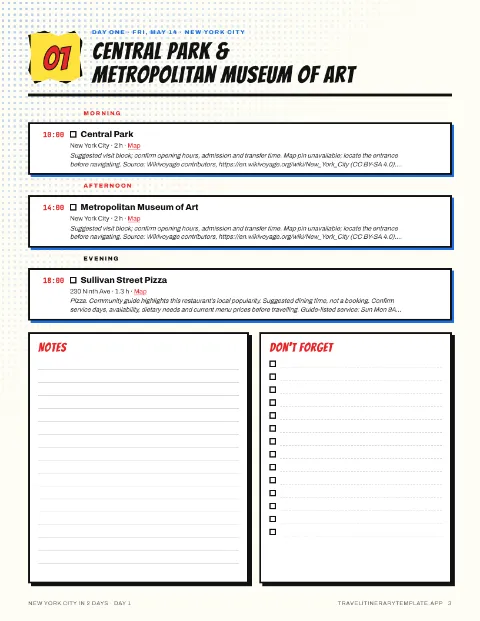
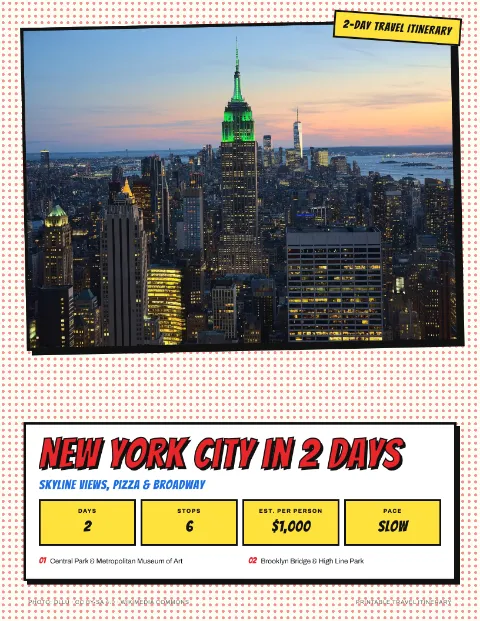 Comic pop
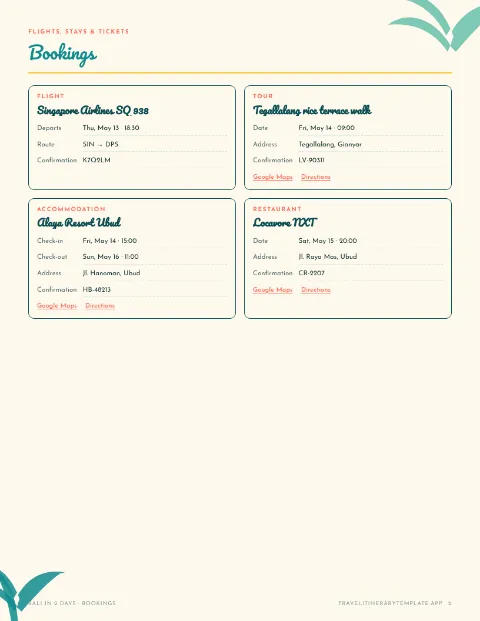
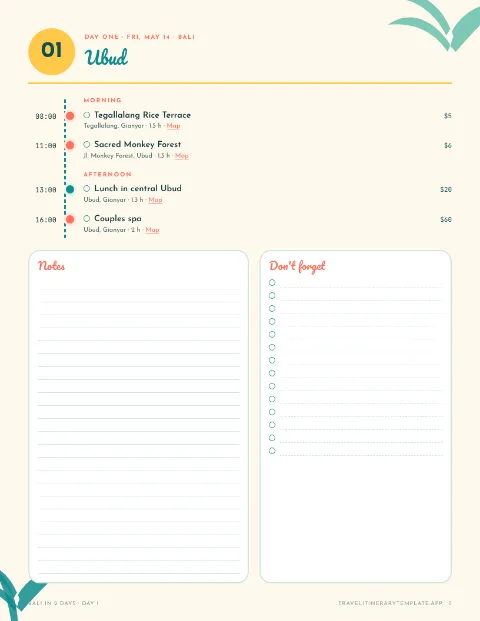
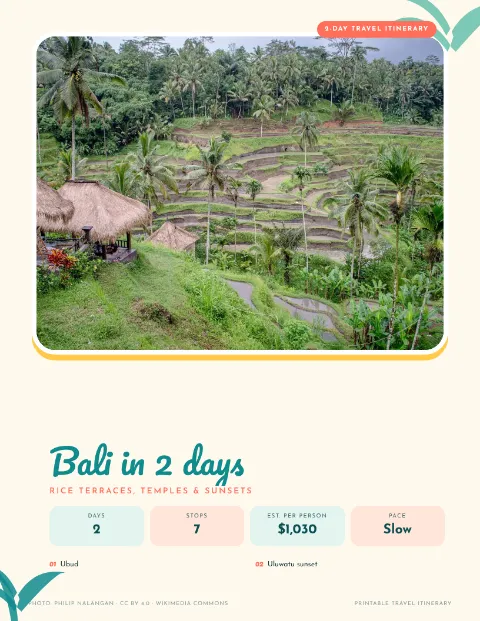 Tropical
100+ themes, from Santorini to Swiss grid
Pick a look and the whole trip follows it, from the cover to every day page. Print it as a PDF or open it as an editable Google Doc. Tap any cover to try it on a real itinerary.
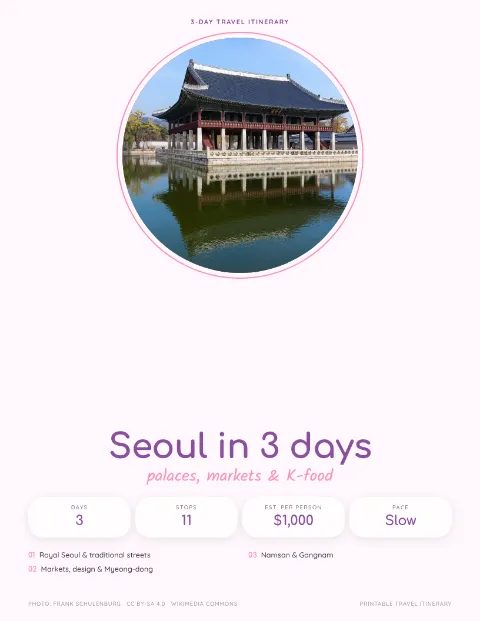

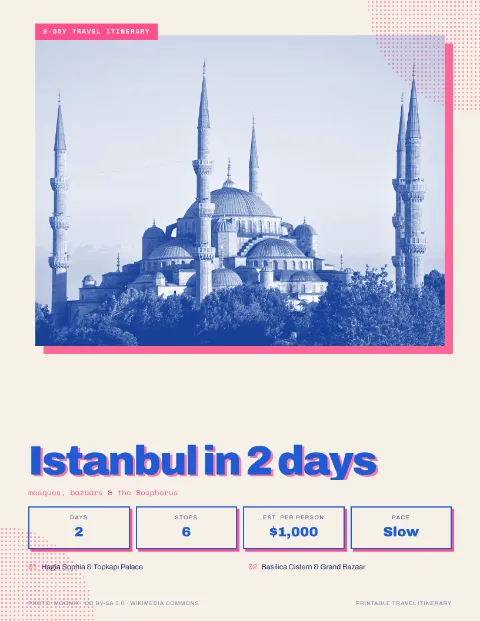
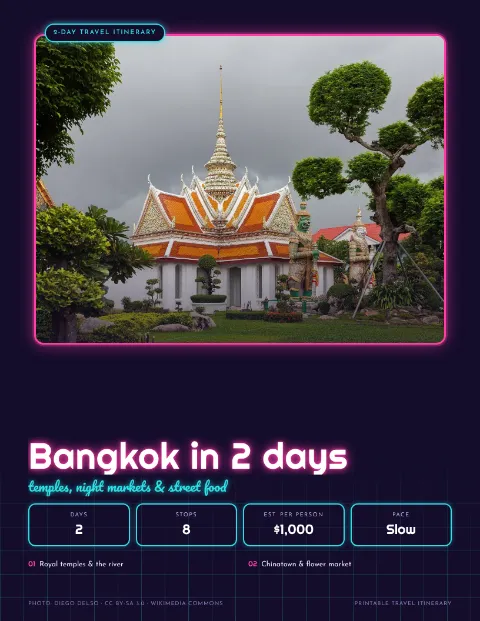

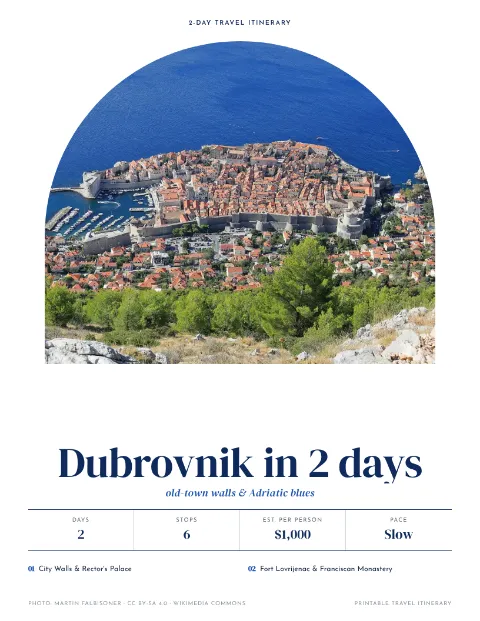


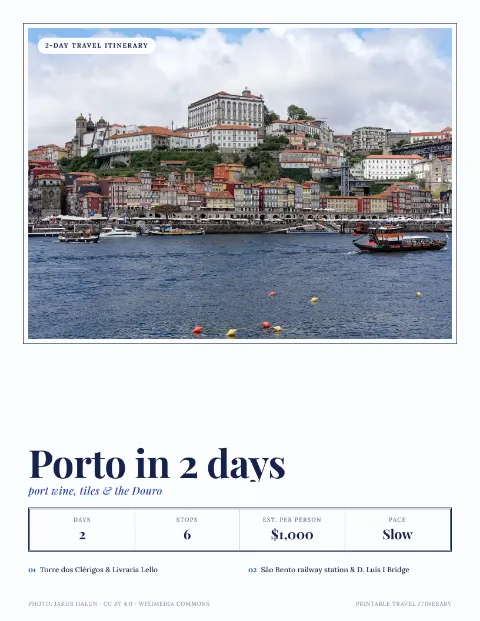
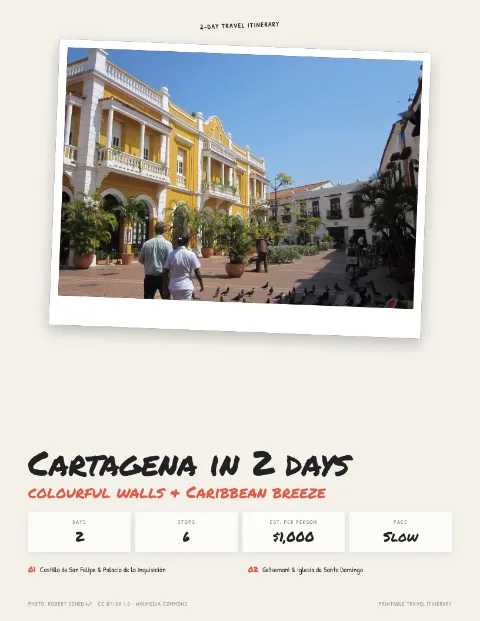
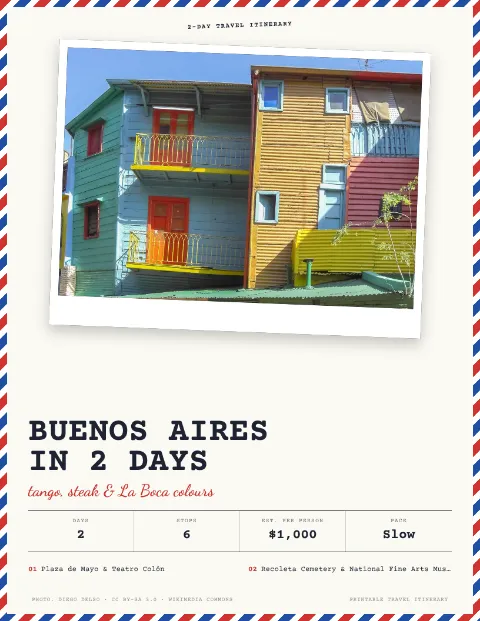




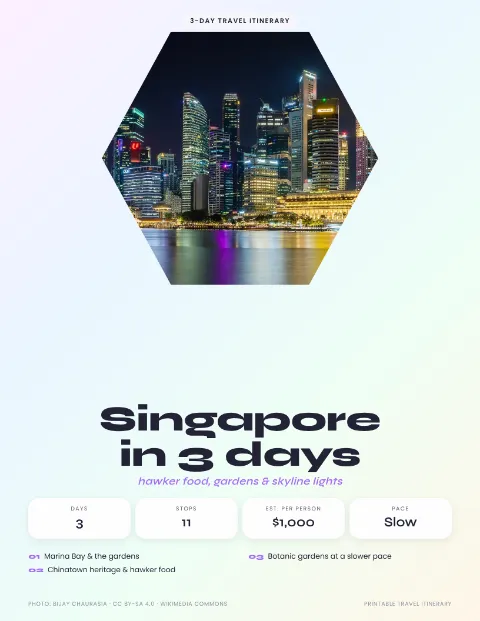
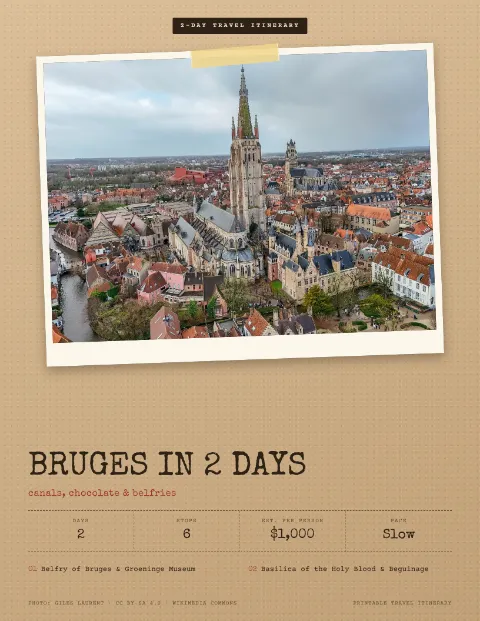
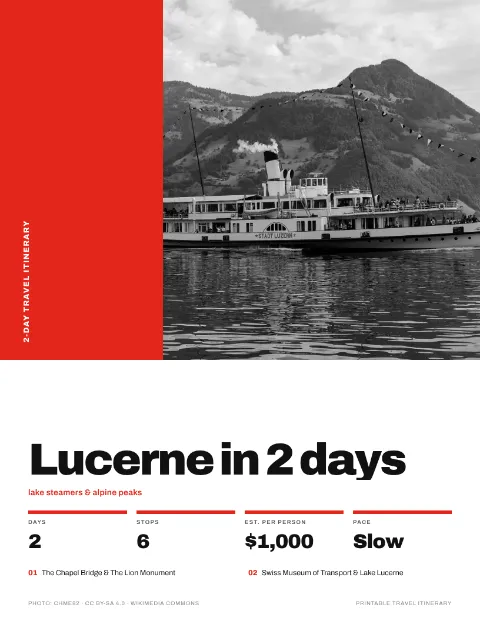
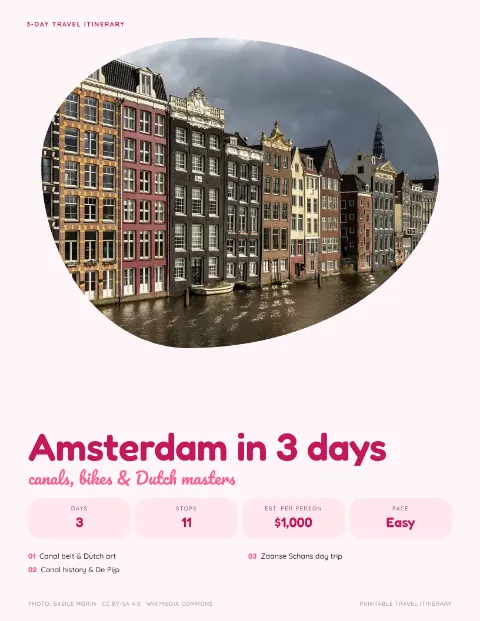
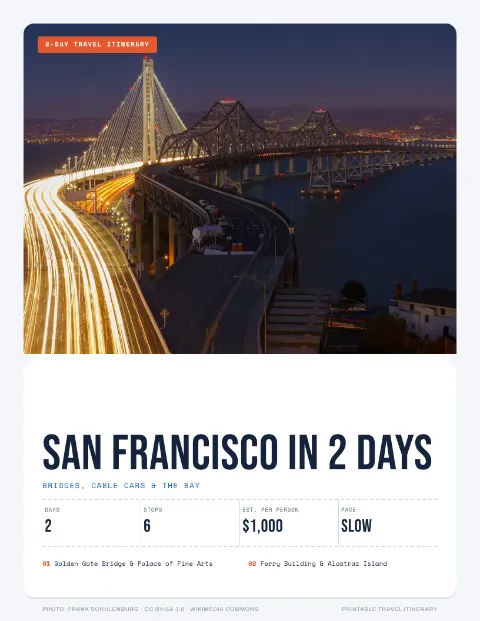

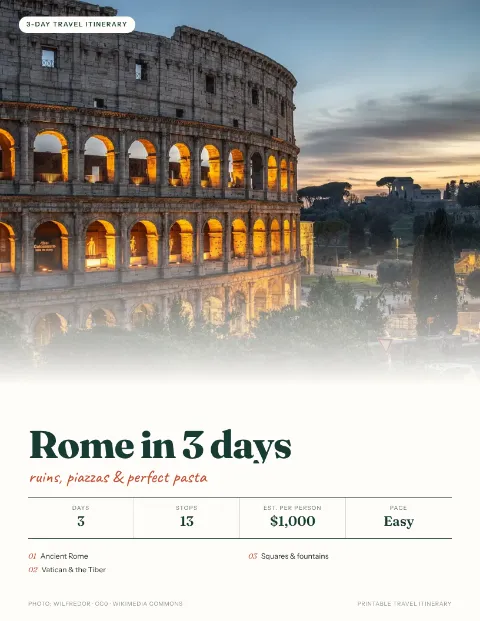


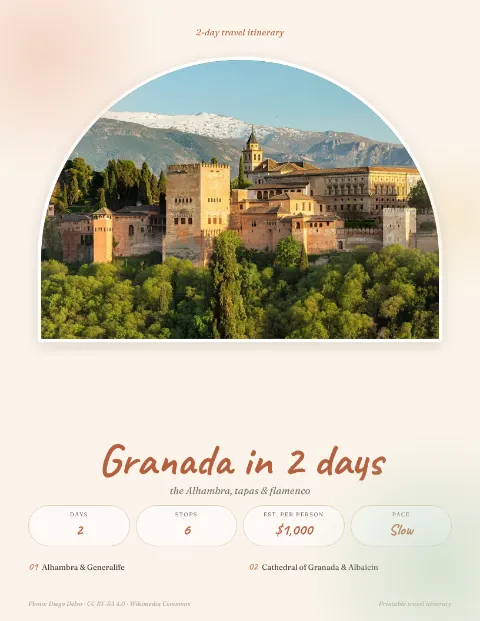



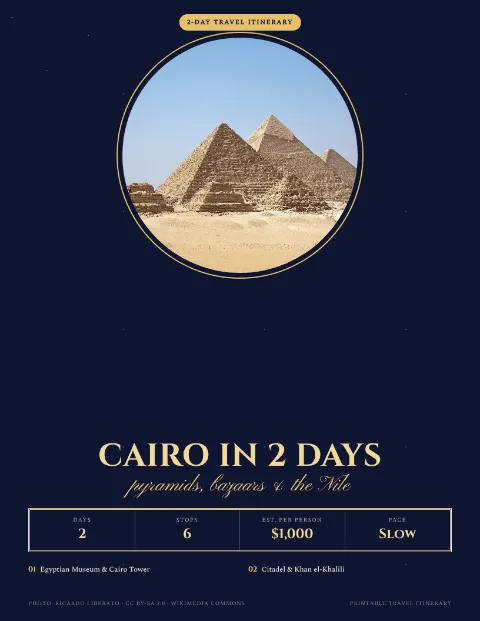


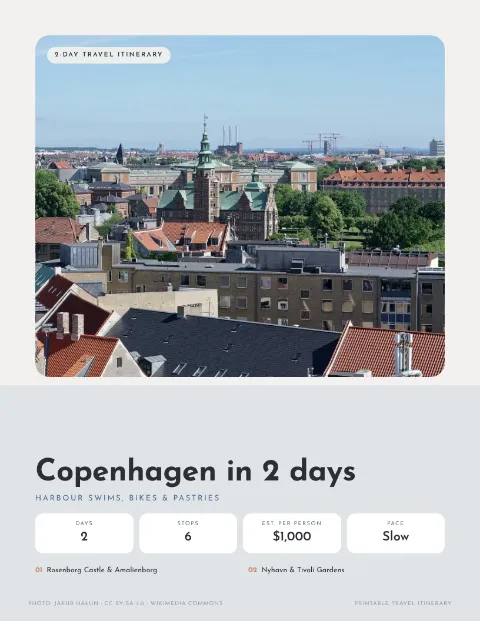


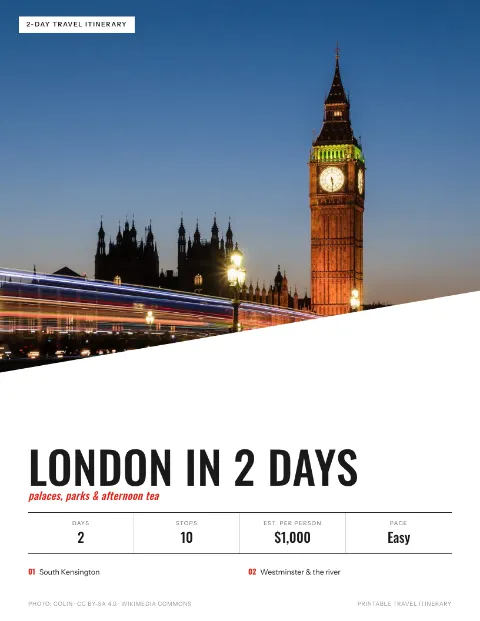


From template to an AI-planned, printed itinerary
No install, nothing to learn. Pick a plan, tell the AI what you want, fine-tune it, then print or download.
 Paris in 3 days3 days · first trip
 Rome in 3 days3 days · history
 Kyoto in 2 days2 days · temples
Tell the AI how you travel. It plans the days.
The AI works on the itinerary in front of you, whether it is one of our routes or a blank plan. Ask in plain words and it adds, swaps, re-times and regroups stops by neighbourhood.
- New places are looked up so they come with an address and a map link.
- See what changed, and undo any edit in one click.
- Ask in English or Spanish.
- Pro raises the allowance to 200 AI messages a day.
- Make it more relaxedFewer stops a day, longer breaks between them
- Start each day laterEvery time moves, the order stays
- Make it kid-friendlyParks and shorter visits replace long museum blocks
- Add a day trip to VersaillesA new timed day with its own stops
- Add lunch breaks near each day's sightsDining stops slotted in around midday
Everything a travel itinerary template should hold
AI that edits the plan for you
Ask for a slower pace, a kid-friendly day or an extra day trip. The AI rewrites the days, adds times and map links, and any change can be undone.
Booking cards with Google Maps
Keep flights, hotels, tours and tables with their confirmation numbers. Each card links to Google Maps and directions.
Calendar (.ics) export
Set a start date and add every timed stop and booking to Google Calendar, Apple Calendar or Outlook.
Excel and Google Sheets
Get a real .xlsx workbook or paste the itinerary into Google Sheets, one row per activity. CSV works too.
Google Docs in the same design
Download an editable document that matches your PDF design, then open it in Google Docs to rewrite, comment and share.
Packing list and budget
Saved trips get a packing checklist and a budget tracker, and both print with the itinerary.
Popular travel itinerary template picks






Find the right itinerary template for your trip
- Weekend itinerary templates220 two- and three-day city breaks, ready to edit.
- Itinerary templates by countryCompare routes and trip lengths in 64 countries.
- All 1,215 trip itinerariesFilter by trip length, style and destination, from 1 to 13 days.
- AI trip plannerStart a blank itinerary and let the AI fill in the days.
- Printable, Google Docs, Excel, Google Sheets and calendarDownload any itinerary as PDF, Google Docs, Google Sheets, Excel, CSV or a calendar file.
- What is a travel itinerary?What to include, how detailed to be and a sample day.
- Free travel toolsPacking list generator, budget calculator, cost splitter and more.
- Itinerary generatorPick a city and a number of days and get a ready plan.
- Trip planning guidesHow to plan an itinerary, pick a format and pace a family trip.
Free to plan. Pro when you want it to look printed.
Templates, editing and every download format are free. Pro is $5.99/month or $49.99/year, or $9.99 once for a 30-day Trip Pass with no renewal. Cancel anytime.
Free
- Every template, editable in place
- 10 AI chat messages a day to personalise any trip
- Download as PDF, Google Docs, Google Sheets, Excel, CSV or calendar
- 20 PDF and Google Docs designs free
- Share your trip stories on the blog
Pro
- Everything in Free
- Every PDF and Google Docs design (100+), unlimited downloads
- Excel planner with live formulas & charts: budget vs spent, daily spend, who owes whom
- 200 AI chat messages a day (3,000 a month): 20× the free allowance
Trip Pass
- Everything in Pro for 30 days
- Pay once, never renews
- Buy again later to add another 30 days
Planning more than one trip a year? Yearly Pro is $49.99 for 12 months, about $4.16 a month.
14-day money-back guarantee · charged onceTravel itinerary template FAQ
How does the AI itinerary planning work?
Open any itinerary or a blank plan and tell the AI what you want in plain words. The AI chat changes an itinerary on request (add a day, swap a sight, slow the pace). Free: 10 messages a day. Pro: 200 a day and 3,000 per rolling 30 days.
Is Travel Itinerary Template free?
Yes. It is free to edit any itinerary, start a blank one and download it as PDF, Google Docs, Google Sheets, Excel, CSV or a calendar file, with 20 free designs for PDFs and Google Docs. Pro ($5.99/month or $49.99/year (save 30%), or $9.99 once for a 30-day Trip Pass) unlocks every design for printable PDFs and Google Docs (100+) with unlimited downloads, an Excel planner with live formulas and charts, and a higher AI chat allowance.
Do I need to sign up?
No sign-up is needed to browse, edit or use the AI chat. Downloading (PDF, Google Docs, Excel, Google Sheets, calendar, CSV or print) needs a free account (email link or Google, no credit card), which also keeps trips in My trips across devices; without one, trips are kept in your browser.
How many itinerary templates are there?
There are 1,215 day-by-day itineraries in 100 countries. Countries with two or more routes (64 of them) have their own destination page, and every route can be filtered by trip length and style.
Can I make an itinerary from scratch?
Yes. The free itinerary maker starts a blank plan with up to 30 days; add days and activities (or let the AI chat fill them in), then download it as PDF, Google Docs, Google Sheets, Excel, CSV or a calendar file.
Can I download my itinerary as a printable PDF?
Yes. PDF uses your browser's print dialog: choose “Save as PDF” as the destination. Pick one of 100+ printable themes first: 20 are free and the rest come with Pro.
How many printable PDF themes are there?
There are more than 100 printable themes: 20 are free and the rest come with Pro. Styles range from minimal and elegant to vintage, cute, handmade, nature, bold, dark and seasonal, and every theme prints the same pages on Letter or A4: cover, trip at a glance, bookings, one page per day, packing checklist, budget tracker and notes. You can preview any theme on your own itinerary for free, and every theme also downloads as an editable Google Doc in the same design.
What does Pro add?
Pro unlocks every design for printable PDFs and Google Docs with unlimited downloads, and raises the AI chat allowance from 10 to 200 messages a day. Templates, editing, every download format and 20 designs stay free.
How much does Pro cost?
Pro costs $5.99/month or $49.99/year (save 30%), or $9.99 once for a 30-day Trip Pass. It renews until you cancel, you can cancel anytime from your account and keep Pro until the period ends, and your first payment is refundable in full within 14 days.
Can I add my itinerary to Google Calendar or Apple Calendar?
Yes. Set a start date, then download the Calendar (.ics) file and import it into Google Calendar, Apple Calendar or Outlook. Every activity with a time becomes an event at that local time, and bookings with a date are added too.
Can I keep flight and hotel bookings with my itinerary?
Yes. Trips saved to My trips have a Bookings tab for flights, stays, trains, tours, restaurants and more, each with its confirmation number, dates and cost. Stays, tours, restaurants and events link to Google Maps and directions, trains, buses and ferries with a from → to route link to transit directions, and all bookings print on their own PDF page.
Does each day show morning, afternoon and evening?
Yes. Activities with a time are grouped into Morning (before 12:00), Afternoon (12:00 to 16:59) and Evening (from 17:00), on the website and on every printed day page.
Does it work with Google Docs, Excel and Google Sheets?
Yes. Google Docs works through an editable .docx file in the same designs as the PDFs (20 free, the rest with Pro): upload it to Google Drive and open it with Google Docs. It also opens in Microsoft Word and Apple Pages. There is no live sync with Google. Excel downloads a real .xlsx workbook with one row per activity: day, date, time, activity, type, address, notes, cost and a map link. Pro adds an Excel planner: budget vs spent, a day-by-day spend chart, an expense log, who owes whom and packing progress, all as live formulas and charts. Google Sheets works by copy and paste: the itinerary is copied as a table that you paste into a new sheet. There is no live sync with Google.
Are opening hours and prices up to date?
No, they are not live. Templates are drawn from official tourism boards and community travel guides and edited for pacing. Opening hours, prices and transport times are not live data: check them before you travel.
Tell us what would make your trip easier
This is a small, independent site, and many new templates and themes start as a reader's email. A real person reads every message and replies by email.
- A destination or trip length we don't have yet
- Something broken, or a stop that's out of date
- A PDF theme, download format or feature idea
Prefer your own email app? Write to
support@travelitinerarytemplate.app
Plan it with AI, print it, pack it.
Start from one of 1,215 itineraries or a blank plan, let the AI shape it around you, and have a printable PDF before your coffee goes cold.